eLearning Course Access Period
You can purchase a one-year non-renewing subscription to our eLearning products. Access to your course begins the day the course access is purchased. Our system does not allow the subscriptions to be delayed or extended, so users should ensure the purchase date coincides with the dates the course needs to be available.
Finding Course Access Period
To find the time period that still remains for your course subscription, follow these steps:
- Log into the eLearning website.
- Click on “My Account,” select “Profile,” and scroll down to “Courses.”
- In the top-left corner of the course you will find the last day of the course access period.
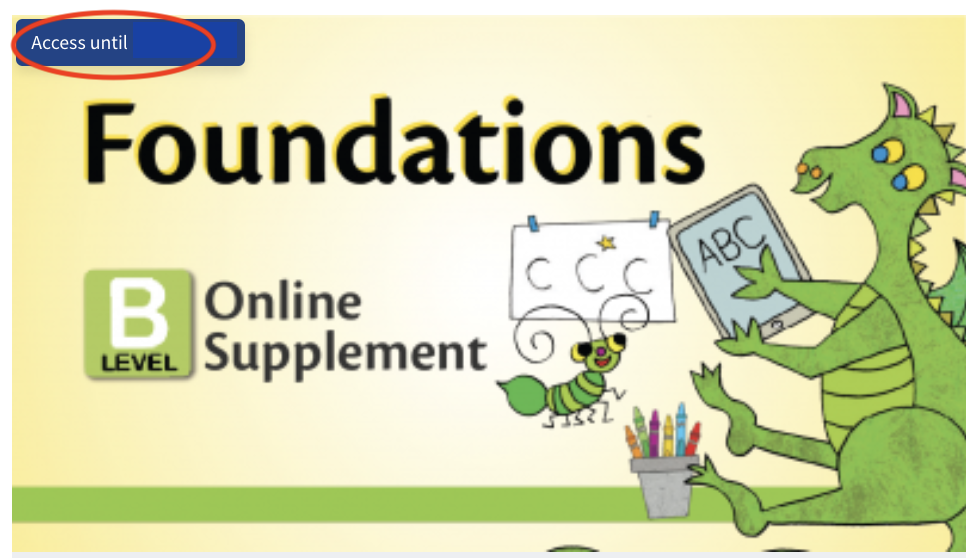
Note: If you purchased a new subscription before the previous subscription expired, your course will still be removed on the original expiration date. Contact our Support team, and we can update your course with the correct expiration date.
On an iPad: After logging in, scroll down to “Course Contents.” Courses that you have purchased will show the access period in the same way as the image above.